
McLuck App for iOS Devices: Latest Version for United States
The McLuck iOS app delivers the full casino and sportsbook experience directly on your iPhone or iPad. Install it in minutes and start with a welcome bonus of GC 7,500 + FREE SC 2.5 on your first sign-up. The app runs as a Progressive Web App (PWA), so no App Store download is required. Tap the button below to add it to your home screen and start playing.

McLuck App Overview
The McLuck application is a PWA built for iOS devices, covering both casino and sportsbook verticals in one platform. It requires no manual updates and runs directly from your home screen on any modern iPhone or iPad.
GC 7,500 + FREE SC 2.5
| App Type Progressive Web App (PWA) | Latest Version Auto-updated, always current |
| App Size Minimal footprint, no storage installation | Welcome Bonus GC 7,500 + FREE SC 2.5 |
| Casino Offer Slots, table games, live dealer | Sportsbook Offer Pre-match and in-play betting |
| Promo Code Available at registration | Supported Languages English |
| Payment Methods Visa, Mastercard, ACH/e-check, Skrill | Operating Region United States |
McLuck App Interface
Browse the screenshots below to preview the McLuck mobile experience across casino, sportsbook, and account sections.
Download the McLuck App for iOS
The McLuck iOS download takes less than two minutes. Follow the four steps below to install the app directly from this page.
Step 1: Tap the Download Button
Tap the “Download iOS App” button on this page. You will be taken to the McLuck registration or login screen within your Safari browser. No App Store visit is needed.
Step 2: Create or Log In to Your Account
If you are a new player, complete the registration form with your name, email address, state, and date of birth. Existing users can log in with their credentials immediately.
Step 3: Add to Home Screen
In Safari, tap the Share icon at the bottom of the screen. Select “Add to Home Screen” from the menu that appears. Confirm the name and tap “Add.”
Step 4: Launch the App and Claim Your Bonus
The McLuck icon now appears on your home screen. Open it, log in, and your welcome bonus of GC 7,500 + FREE SC 2.5 will be credited to your account.
System Requirements for the McLuck iOS App
The McLuck app runs as a PWA, so performance depends on your iOS version and available RAM rather than a large file installation.
| Requirement | Minimum Specification |
|---|---|
| iOS Version | iOS 14.0 or later |
| Processor | Apple A12 Bionic or newer |
| RAM | 2 GB |
| Browser | Safari (required for PWA install) |
| Internet | Stable Wi-Fi or 4G/5G connection |
| Storage | Negligible (PWA, no full install) |
Supported iOS Devices
The McLuck application is compatible with the following Apple devices running iOS 14.0 or later:
- iPhone SE (2nd and 3rd generation);
- iPhone 11, 11 Pro, and 11 Pro Max;
- iPhone 12, 12 Mini, 12 Pro, and 12 Pro Max;
- iPhone 13, 13 Mini, 13 Pro, and 13 Pro Max;
- iPhone 14, 14 Plus, 14 Pro, and 14 Pro Max;
- iPhone 15, 15 Plus, 15 Pro, and 15 Pro Max;
- iPhone 16, 16 Plus, 16 Pro, and 16 Pro Max;
- iPad Air (4th generation and later);
- iPad Pro 11-inch (2nd generation and later);
- iPod Touch (7th generation, iOS 15 supported).
McLuck App as a PWA
A PWA version is available for all iOS users, giving you a native app experience without occupying significant storage on your device. Follow these four steps to set it up.
Step 1: Tap the “Download for iOS” Button
Tap the “Start using!” button on this page. This opens the McLuck platform in your Safari browser.
Step 2: Register an Account
Complete the registration form with your email address, state of residence, and date of birth. Confirm your account via the email link sent to your inbox.
Step 3: Tap the Share Button
In Safari, tap the Share icon located at the bottom center of the screen. A menu of options will appear below the browser toolbar.
Step 4: Tap “Add to Home Screen”
Select “Add to Home Screen” from the Share menu. Confirm the app name and tap “Add.” The McLuck icon will appear on your home screen, ready to launch at any time.
Welcome Bonuses After Installing the McLuck App
New players who register through the iOS app receive a welcome bonus of GC 7,500 + FREE SC 2.5, credited automatically upon account creation. No bonus code is required to claim the standard welcome offer.
- GC 7,500 Welcome Coins: Gold Coins credited on sign-up for use across casino slots and table games;
- FREE SC 2.5 Sweeps Coins: Sweeps Coins credited on sign-up, usable on eligible games with redemption potential;
- Daily Login Bonuses: Additional GC and SC awarded each day you log in to the app;
- Purchase Bonus Packages: Extra Sweeps Coins included with every Gold Coin package purchase;
- Promotional Offers: Seasonal and game-specific promotions available via the Promotions section of the app.

Sports Betting Options Available in the App
The McLuck sportsbook covers all major US and international leagues, with pre-match and in-play markets available directly through the mobile app.
- American Football (NFL, college football);
- Basketball (NBA, NCAA);
- Baseball (MLB);
- Ice Hockey (NHL);
- Soccer (MLS, Premier League, UEFA Champions League);
- Tennis (ATP, WTA tour events);
- Golf (PGA Tour, major championships);
- MMA and Boxing;
- Esports (CS2, League of Legends, Dota 2);
- Motorsports (NASCAR, Formula 1).

Types of Bets Available at McLuck
The McLuck app supports multiple bet types across all covered sports, giving you control over risk and payout structure on every wager.
- Single Bet: A straight wager placed on one outcome in a single event, the simplest and most common bet type;
- Parlay (Accumulator): A multi-leg bet combining two or more selections into one ticket, with all legs required to win for a payout;
- Teaser: A parlay variant available on football and basketball that lets you adjust point spreads in your favor across two or more games;
- Prop Bet: A wager placed on a specific in-game event, such as a player’s total passing yards or number of strikeouts;
- In-Play (Live) Bet: A bet placed on a market that updates in real time during an active event, with odds shifting as the action unfolds.

How to Start Betting via the Mobile App
Placing your first bet through the McLuck app takes under two minutes once your account is set up. Follow the steps below.
- Open the McLuck app from your home screen and log in to your account.
- Tap “Sports” in the bottom navigation bar to enter the sportsbook section.
- Select a sport, then choose a league, event, and your preferred market.
- Tap the odds for the selection you want to add it to your bet slip.
- Enter your stake in the bet slip, review the potential payout, and confirm the wager.
Casino Games Available in the App
The McLuck casino library contains hundreds of titles across multiple categories, all optimized for touch-screen play on iPhone and iPad.
- Slots: Including popular titles such as Book of Dead, Sweet Bonanza, and Gates of Olympus;
- Blackjack: Multiple variants including Classic Blackjack and Blackjack Switch;
- Roulette: American and European Roulette available in both standard and live dealer formats;
- Video Poker: Jacks or Better, Deuces Wild, and multi-hand variants;
- Live Dealer Games: Powered by leading studios, with live blackjack, baccarat, and roulette tables;
- Baccarat: Standard and speed variants with low and high stake options;
- Crash Games: Fast-format titles including Aviator and Spaceman;
- Jackpot Slots: Progressive jackpot titles with accumulating prize pools;
- Bingo: Multiple card and speed bingo formats;
- Keno: Draw-based number game available on demand.

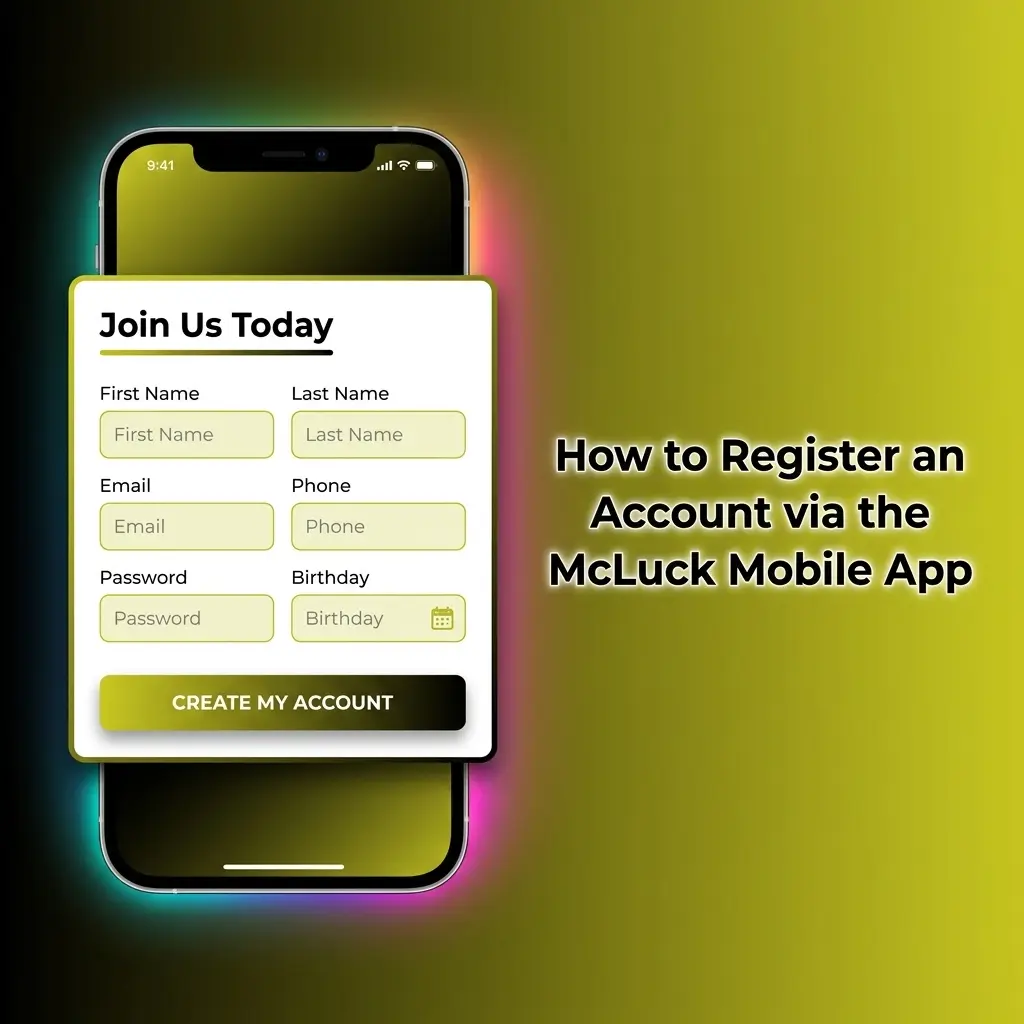
How to Register an Account via the McLuck Mobile App
Registration on the McLuck app is open to residents of eligible US states and takes approximately three minutes to complete.
- Tap the “Register” button on the McLuck home screen.
- Enter your email address, create a password, and confirm your state of residence.
- Provide your full legal name and date of birth for identity verification.
- Agree to the Terms and Conditions, then tap “Create Account.”
- Verify your email address via the confirmation link sent to your inbox to activate your account and receive GC 7,500 + FREE SC 2.5.
How to Log In via the Mobile App
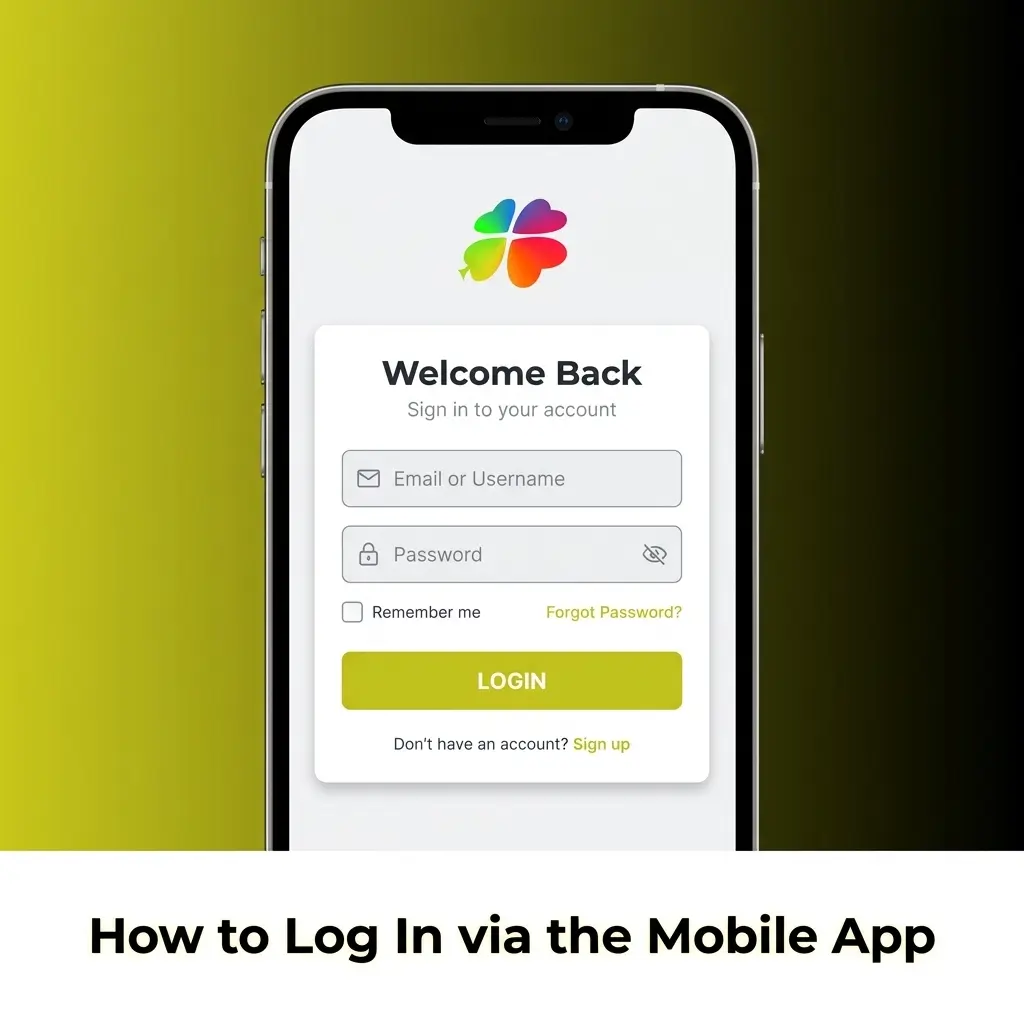
Accessing your McLuck account from the iOS app requires only your registered credentials.
- Open the McLuck app from your home screen.
- Tap “Log In” and enter your registered email address and password.
- Tap “Sign In” to access your account dashboard, balance, and available games.
- If you have Face ID or Touch ID enabled on your device, you can authorize login biometrically on subsequent sessions.
How the McLuck App Stays Up to Date
The McLuck app operates as a PWA, which means it is hosted on our servers rather than installed as a static file on your device. Every time you open the app, it loads the latest version automatically. No manual updates, no App Store visits, and no version conflicts are involved. New features, game additions, and security patches go live on our end and reach your device instantly on the next launch.
Payment Methods for McLuck Mobile App Users in the United States
Deposits at McLuck start from USD 9.99, and all transactions are processed through verified US-facing payment channels. Withdrawal minimums and processing times vary by method.
- Visa and Mastercard: Standard credit and debit card deposits, processed instantly;
- ACH / e-Check: Direct bank transfer, typically processed within 1 to 3 business days;
- Skrill: E-wallet option with faster processing for eligible accounts;
- Online Banking Transfer: Available for select US bank accounts through verified banking partners;
- Play+: Prepaid card option linked directly to your McLuck account for deposits and withdrawals.
How to Make a Deposit via the Mobile App
Depositing on the McLuck iOS app is a straightforward process that takes under two minutes. The minimum deposit amount is USD 9.99.
- Log in to your McLuck account and tap the “Deposit” button in the top navigation area.
- Select your preferred payment method from the available options.
- Enter the deposit amount (minimum USD 9.99) and your payment details.
- Confirm the transaction and wait for the funds to appear in your Gold Coin balance, which updates immediately for card and e-wallet deposits.
How to Withdraw Your Winnings on Mobile
Sweeps Coin redemptions on McLuck are processed through the Cashier section of the app, subject to identity verification being completed on your account.
- Log in to the McLuck app and tap “Cashier,” then select “Redeem.”
- Choose your preferred withdrawal method and enter the amount of Sweeps Coins you want to redeem.
- Confirm the redemption request and submit any required verification documents if prompted.
- Allow the stated processing time for your method: ACH transfers typically take 3 to 5 business days, while other methods may vary.
Key Features of the McLuck Mobile App
The McLuck app is built specifically for US players, combining a full casino library with a sportsbook and a social sweepstakes model that is legal across most US states.
- Sweepstakes model: Legal to play in most US states under sweepstakes law, with no real-money wagering requirement;
- Welcome bonus: GC 7,500 + FREE SC 2.5 credited on registration, no purchase needed;
- Casino library: Hundreds of slots, table games, and live dealer titles optimized for iOS;
- Sportsbook coverage: Pre-match and in-play markets on NFL, NBA, MLB, NHL, and more;
- USD payments: Deposits via Visa, Mastercard, ACH, Skrill, and Play+ in USD;
- PWA technology: Auto-updated on every launch, no App Store installation required;
- Daily bonuses: Recurring GC and SC rewards available through daily login;
- 24/7 customer support: Live chat and email support available around the clock;
- Face ID and Touch ID login: Biometric authentication supported on compatible iPhone models;
- Responsible gaming tools: Deposit limits, session reminders, and self-exclusion options available in account settings.
Customer Support
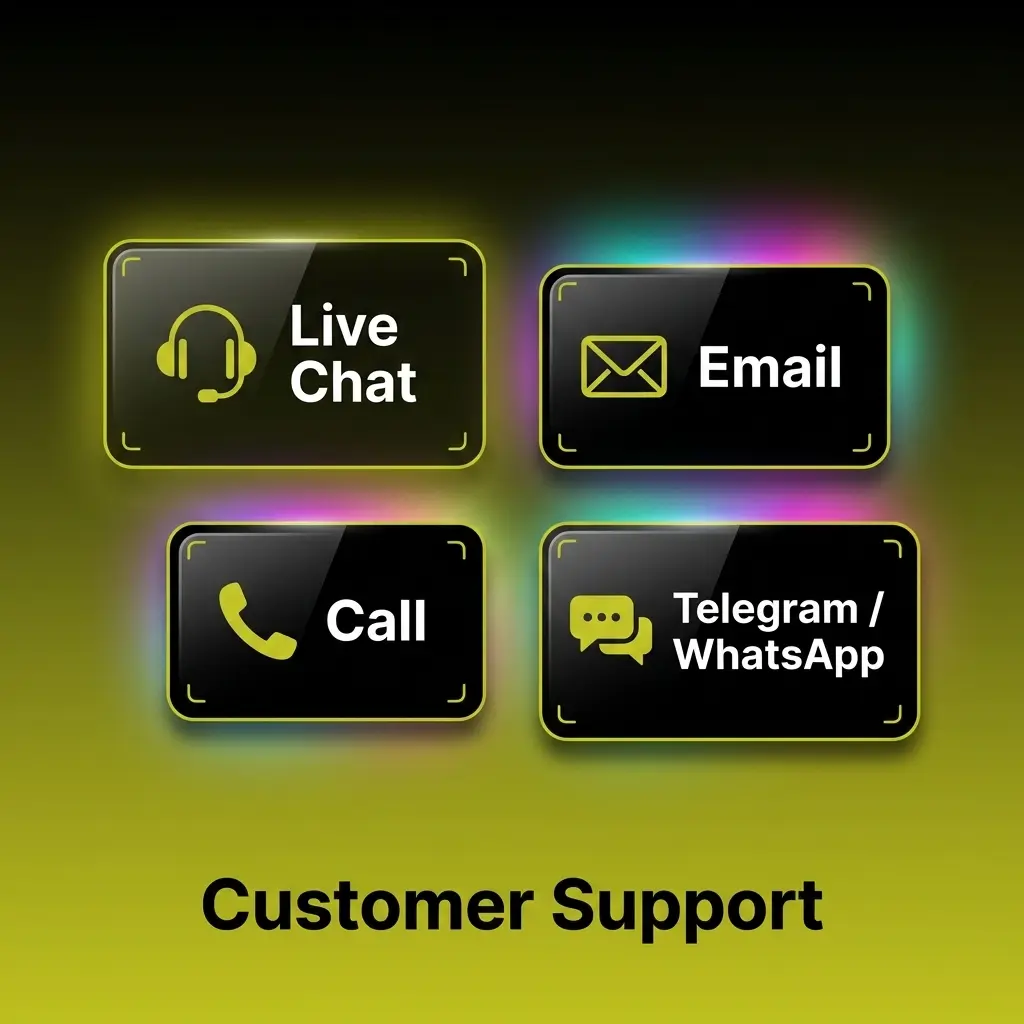
McLuck provides 24/7 support for all app users, covering account issues, payment queries, bonus questions, and technical troubleshooting across two contact channels.
| Contact Method | Availability | Details |
|---|---|---|
| Live Chat | 24/7 | Accessible via the “Support” icon in the app or website |
| Email Support | 24/7 | Contact through the Help Center form on the platform |
| Help Center (FAQ) | Always available | Self-service articles covering account, payments, and bonuses |
FAQ
Is the McLuck app legal in the United States?
McLuck operates under a sweepstakes model, which is legal in most US states. It does not require real-money wagering. Players use Gold Coins for social play and Sweeps Coins for prize redemption, consistent with US sweepstakes law.
Does the iOS app require an App Store download?
No App Store download is required. The McLuck iOS app is a PWA that installs directly from this website via Safari. Tap “Download iOS App,” then add the site to your home screen through the Share menu.
How long does it take to install the McLuck app on an iPhone?
Installation takes under two minutes. Open the site in Safari, tap the Share icon, select “Add to Home Screen,” and confirm. The icon appears on your home screen immediately.
Do I need to update the app manually?
No manual updates are needed. The McLuck app is a PWA hosted on our servers. It loads the latest version automatically each time you open it from your home screen.
Can I use the same account on both desktop and the iOS app?
Yes. Your McLuck account works across all platforms. Log in with the same credentials on the iOS app, desktop browser, or any other device, and your balance, bonuses, and history are consistent across all sessions.
Updated: