
Download the McLuck App for Android & iOS
The McLuck app puts a full social casino and sportsbook in your pocket, available free on Android and iOS. New players receive a welcome bonus of GC 7,500 + FREE SC 2.5 simply by registering an account. Tap the button below to start your download and claim your bonus today.

McLuck App Overview
The McLuck application is a social casino platform licensed and available to players across the United States. The app covers both casino-style games and sports betting in a single, free-to-download package. The table below captures every key detail you need before installing.
| App Category Social Casino & Sportsbook | License Sweepstakes model, legally compliant in 45+ US states |
| Supported OS Android 6.0+, iOS 15.0+ (Safari PWA) | Latest Version Current version available via official site |
| Release Date McLuck launched in 2022 | Cost Free to download and install |
| App Languages English | Supported Countries United States (available in 45+ states; excludes WA, ID, MI, KY, DE) |
| Welcome Bonus – Casino GC 7,500 + FREE SC 2.5 on registration | Welcome Bonus – Sports Included in standard welcome offer |
| Bet Types Moneyline, spreads, totals (over/under), parlays, props | Customer Support Live chat and email, 24/7 availability |
A Look at the McLuck App Interface
The McLuck app features a dark-themed, mobile-first layout with clear navigation tabs for Casino, Sports, and Promotions. Games load directly from the home screen, and the lobby refreshes live odds and featured slots without requiring a page reload.
McLuck APK: What You Need to Know Before Installing
The McLuck APK is the direct Android installation file, allowing players to install the app without going through the Google Play Store. Because social casino apps operate under sweepstakes law rather than traditional gambling licenses, they are distributed outside the Play Store. The APK is provided through the official McLuck site and is safe to install on any compatible Android device. Enable “Install from Unknown Sources” in your Android settings before proceeding.
| Property | Details |
|---|---|
| App Title | McLuck |
| App Category | Social Casino & Sportsbook |
| Download Link | Available on the official McLuck website |
| Developer Name | McLuck |
| OS Compatibility | Android |
| Minimum Android Version | Android 6.0 |
Download the McLuck APK for Android in 3 Steps
Step 1: Tap the Download Button
Find the “Download App” button on this page and tap it. Your device will begin fetching the official McLuck APK file directly from this site.
Step 2: Download the McLuck APK
Once prompted, confirm the download and wait for the APK file to save to your device’s storage.
Step 3: Install the App
Open the downloaded file, allow installation from this source if prompted, and tap “Install” to complete setup.
Android System Requirements for the McLuck App
Before installing, confirm your Android device meets these minimum specifications to ensure stable performance.
| Requirement | Specification |
|---|---|
| Operating System | Android 6.0 or higher |
| RAM | 2 GB minimum (4 GB recommended) |
| Storage Space | At least 100 MB of free internal storage |
Android Devices Compatible with the McLuck APK
The McLuck APK installs on any Android 6.0+ device, covering the vast majority of smartphones released after 2015. Most flagship and mid-range Android models sold in the United States run the app without issues. The table below lists confirmed compatible brands and their popular models.
| Brand | Compatible Models |
|---|---|
| Samsung | Galaxy S23, S24, S24 Ultra, A54, A35, Galaxy Z Fold 5 |
| Sony | Xperia 1 V, Xperia 5 V, Xperia 10 V |
| Huawei | P60 Pro, Mate 50 Pro, Nova 11 |
| OnePlus | 12, 12R, Nord 4, Open |
| Oppo | Find X7, Reno 11, A98 |
| Pixel 8, Pixel 8 Pro, Pixel 8a, Pixel 9 | |
| Xiaomi | 14, 14 Ultra, Redmi Note 13, POCO X6 Pro |
| Poco | POCO X6, POCO M6 Pro, POCO F6 |
Add the McLuck App to iOS in 5 Steps
The McLuck iOS version runs as a Progressive Web App (PWA) installed through Safari. There is no App Store download required, and the PWA delivers the same full experience as the Android version. Follow these five steps to add it to your iPhone home screen.
Step 1: Tap the Download for iOS Button
Tap the iOS download button on this page to open the McLuck site in your Safari browser.
Step 2: Log In or Create Your Account
Enter your credentials to log in, or complete a quick registration if you are a new player.
Step 3: Tap the Share Button
In Safari, tap the Share icon at the bottom of the browser toolbar to open the sharing menu.
Step 4: Select “Add to Home Screen”
Choose “Add to Home Screen” from the Share menu, then tap “Add” to confirm and pin the app icon to your iPhone’s home screen.
Step 5: Launch and Start Playing
Tap the McLuck icon on your home screen to open the PWA and access the full casino and sportsbook directly from your phone.
iOS Devices Compatible with the McLuck PWA
The McLuck iOS version runs through Safari as a PWA and supports all iPhones and iPads running iOS 15.0 or later. Apple devices from the iPhone XR generation onwards handle the PWA without performance issues. All listed models below are confirmed compatible.
| Brand | Compatible Models |
|---|---|
| Apple | iPhone XR, XS, XS Max, iPhone 11, 11 Pro, 11 Pro Max, iPhone 12 series, iPhone 13 series, iPhone 14 series, iPhone 15, 15 Pro, 15 Pro Max, iPhone 16 series, iPad Air (4th gen+), iPad Pro (2020+), iPad mini (6th gen+) |
How to Register on the McLuck App
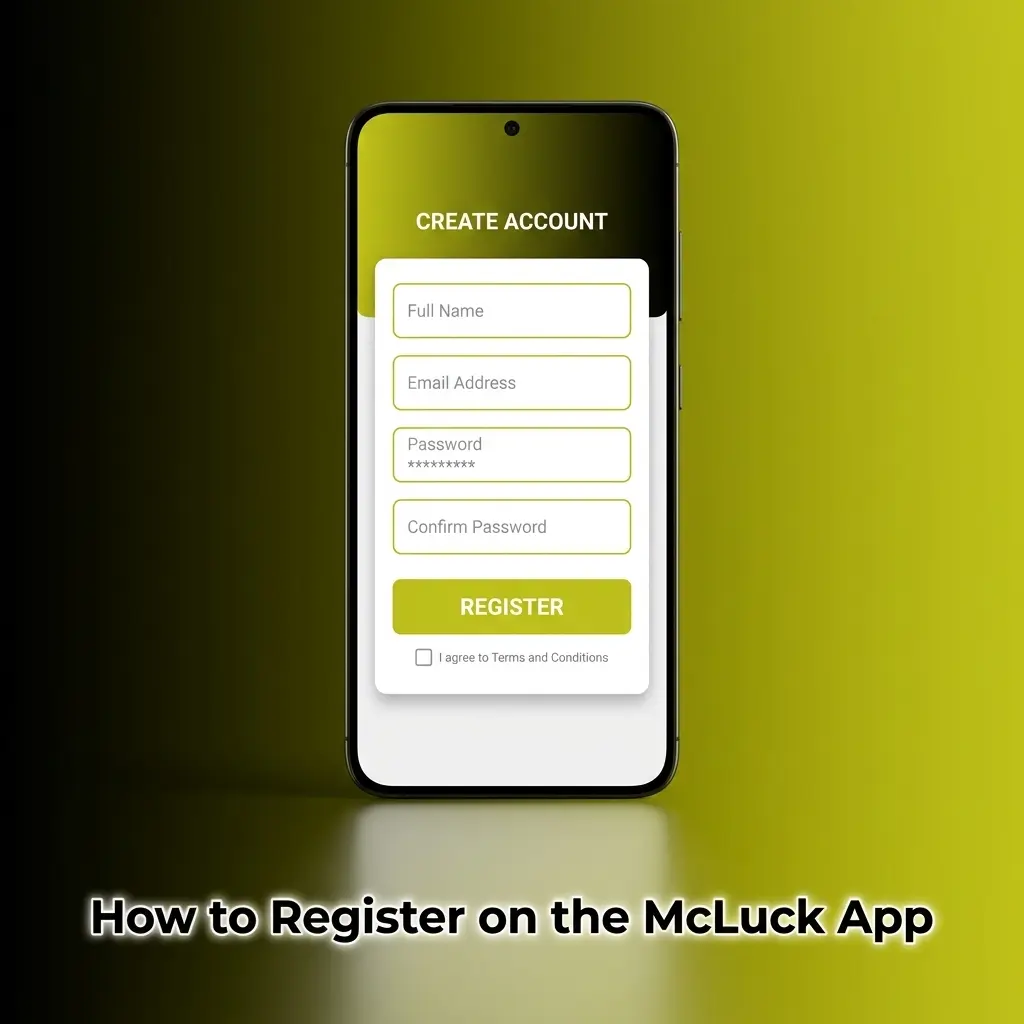
Creating a McLuck account through the app takes less than five minutes. Complete the following steps to activate your account and claim the GC 7,500 + FREE SC 2.5 welcome bonus.
- Open the McLuck app on your Android or iOS device and tap “Sign Up.”
- Enter your email address, create a password, and provide your full name and date of birth for age verification.
- Enter your US state of residence to confirm eligibility.
- Verify your email address by clicking the confirmation link sent to your inbox.
- Log in to your new account and navigate to the Promotions section to activate your welcome bonus of GC 7,500 + FREE SC 2.5.
Bonuses Available for McLuck Mobile Players
All promotions available on desktop are fully accessible through the McLuck app. New players receive GC 7,500 + FREE SC 2.5 instantly upon registration, with no deposit required. Daily login bonuses, limited-time promotions, and purchase bonus packages are also available directly inside the app. Bonus credits are displayed in your account balance immediately upon claiming. All active offers appear under the Promotions tab in the app.
Welcome Bonus
New McLuck players receive GC 7,500 + FREE SC 2.5 automatically upon completing free registration. No purchase is necessary to claim this offer. The Sweepstakes Coins (SC) component can be redeemed for prizes, subject to McLuck’s standard sweepstakes terms, and the Gold Coins (GC) are available immediately for social casino play.
Daily Login Bonus
McLuck rewards players who log in each consecutive day with free Gold Coins and Sweepstakes Coins. The bonus amount increases with each consecutive login streak. No purchase is required, and the reward is credited automatically each day you open the app.
Purchase Bonus Packages
McLuck offers GC purchase packages that include bonus SC on top of the standard Gold Coin allocation. Package sizes vary, with larger purchases receiving proportionally higher SC bonuses. These are one-time or recurring purchase offers displayed under the “Buy GC” section of the app.
Mail-In Sweepstakes Entry
Players in eligible US states can request free SC by mail without making any purchase. This option is available to all registered McLuck users and aligns with the sweepstakes model that keeps the platform legally compliant in 45+ states. Full instructions for the mail-in method are available in the McLuck Terms and Conditions.
Keeping the McLuck App on the Latest Version
For Android users, updates to the McLuck APK are delivered through this site. Check the download page periodically for the latest version number and download the updated APK when available. Open the new APK file and tap “Install” to overwrite the existing version. Your account data and balance are preserved through every update. iOS PWA users do not need to manually update. Safari automatically loads the most current version of the McLuck PWA each time you launch it from your home screen.
Why Updating the McLuck App Is Worth Your Time
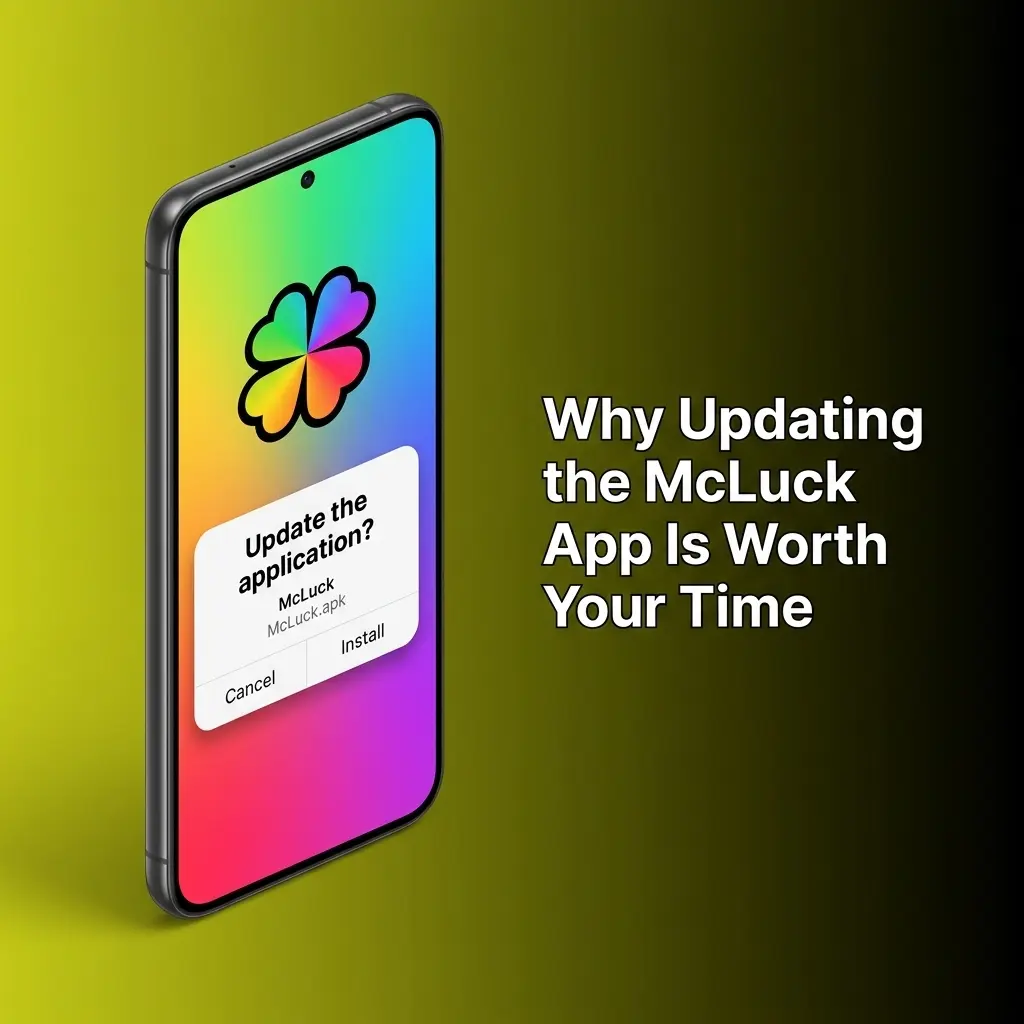
Running an outdated version of the McLuck application can cause game loading failures, login errors, and payment processing issues. Updates deliver security patches that protect your account credentials and financial details. New game releases and sports markets are only accessible on the current version. Performance optimizations in each update reduce battery drain and improve frame rates during live casino play. Keeping the app current ensures uninterrupted access to all active promotions, as bonus mechanics are tied to the latest build.
How to Place a Bet on McLuck
Placing a bet on McLuck through the app takes four straightforward steps.
Open the app and navigate to the Sports section
Open the app and navigate to the Sports section from the bottom menu.
Select your preferred sport and browse available markets
Select your preferred sport, such as NFL, NBA, MLB, or NHL, and browse available markets including moneylines, spreads, totals, and player props.
Tap the odds to add your selection to the bet slip
Tap the odds for your chosen selection to add it to your bet slip; combine multiple picks on the slip to build a parlay.
Enter your stake and confirm your bet
Enter your GC or SC stake in the bet slip, review the potential payout, and tap "Place Bet" to confirm.
How to Remove the McLuck App from Your Device
On Android, press and hold the McLuck app icon on your home screen or app drawer, then select “Uninstall” and confirm. On iOS, press and hold the McLuck PWA icon on your home screen, tap “Remove App,” then select “Delete from Home Screen” to remove the shortcut. Uninstalling the app does not close your McLuck account; your balance, history, and personal details remain intact.
Logging Into the McLuck App: Step-by-Step
Open the McLuck App
Open the McLuck app on your Android device or tap the PWA icon on your iPhone home screen.
Tap the Log In Button
Tap the “Log In” button on the welcome screen.
Enter Your Email Address
Enter the email address linked to your McLuck account.
Type Your Password
Type your password in the designated field.
Tap Log In to Access Your Account
Tap “Log In” to access your account; enable biometric login in your device settings for faster future access if supported.
McLuck App Features: A Complete Breakdown
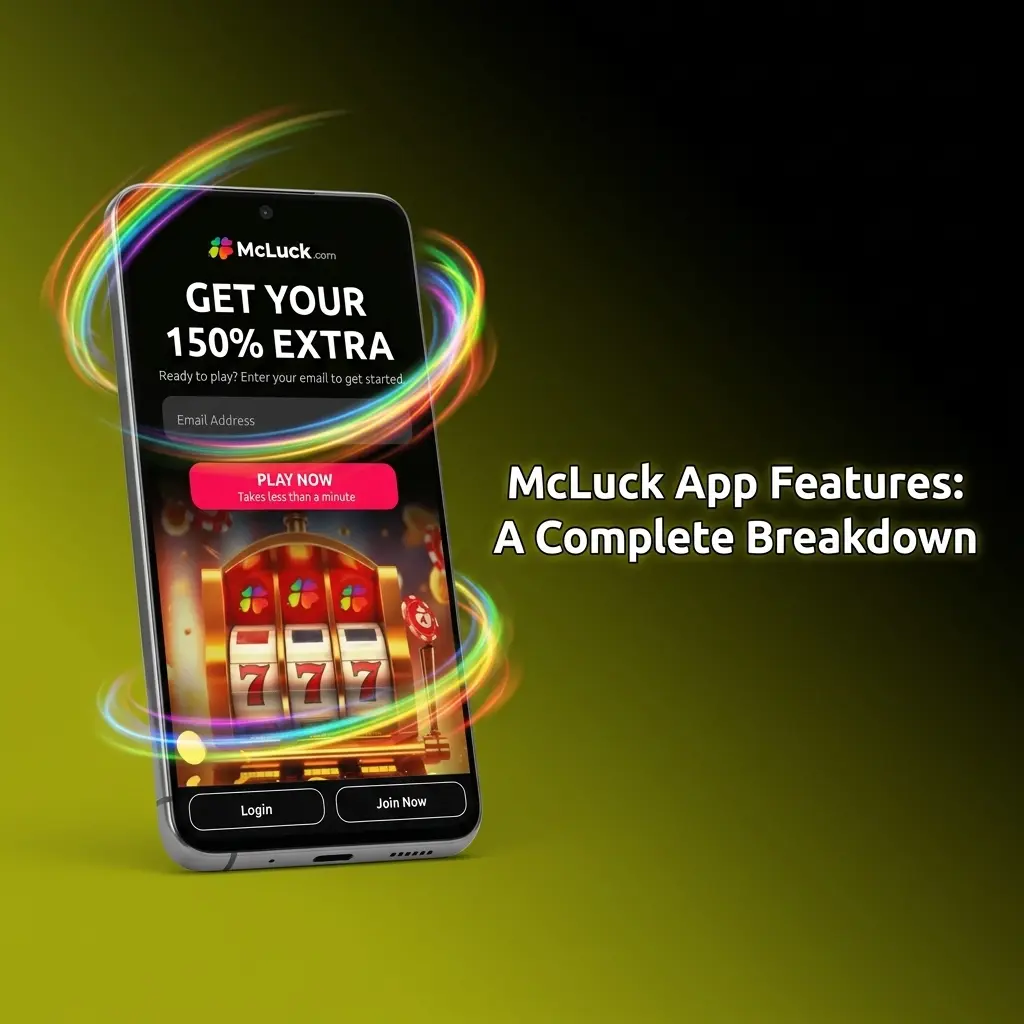
The McLuck application packs casino gaming, sports betting, account management, and promotions into a single mobile interface. The lobby loads over 500 slot titles alongside a full live casino with real dealers. Sports coverage spans major US leagues including the NFL, NBA, MLB, and NHL with live odds updates. Deposits and balance management are available directly from the app without switching to a browser. Push notifications keep you informed of new bonus drops, live game alerts, and account activity. The profile section gives you full control over verification, transaction history, and responsible gaming tools.
Live Betting on the McLuck App
The McLuck app supports live in-play betting across all major US sports leagues. Odds update continuously during NFL, NBA, MLB, and NHL games, with market refreshes timed to real game events. The live betting interface displays a running game clock, current score, and available markets on a single scrollable screen. Live betting is accessible from a dedicated tab in the Sports section, separate from pre-match markets. McLuck does not currently offer live streaming of sports events within the app. Bet confirmation on live markets completes in under three seconds during peak traffic periods. Available live markets include moneylines, live spreads, and live totals.
Casino Games on the McLuck App
The McLuck casino lobby features over 500 slot titles, table games, and live dealer options. Games are supplied by providers including Pragmatic Play, NetEnt, and other certified studios. Slots load within two to four seconds on a standard 4G connection. The live casino section includes blackjack, roulette, and baccarat tables with real dealers streaming in HD. Game categories are filterable by type, provider, and popularity, making it easy to find specific titles. New games are added to the lobby on a regular basis and flagged with a “New” label. All games use GC or SC balances, keeping the experience consistent with McLuck’s sweepstakes model.
Deposit Options on the McLuck App
Depositing on McLuck through the app is straightforward and supports multiple payment methods available to US players. All transactions are processed over encrypted connections, and payment data is never stored on the device. Deposits are credited instantly in most cases, with GC and any bonus SC reflected in your balance within seconds.
| Payment Method | Min Deposit | Max Deposit | Processing Time |
|---|---|---|---|
| Visa / Mastercard | USD 4.99 | USD 500 per transaction | Instant |
| PayPal | USD 4.99 | USD 500 per transaction | Instant |
| Online Bank Transfer | USD 4.99 | USD 500 per transaction | Instant |
| Skrill | USD 4.99 | USD 500 per transaction | Instant |
Withdrawal Options on the McLuck App
McLuck allows players to redeem Sweepstakes Coins for cash prizes directly through the app. Redemption requests are processed by the McLuck team after identity verification is completed. Players must accumulate a minimum SC balance before submitting a redemption request. All redemption data is transmitted over SSL-encrypted connections.
| Redemption Method | Minimum Redemption | Maximum Redemption | Processing Time |
|---|---|---|---|
| PayPal | SC 50 (USD 50 equivalent) | Varies by account tier | 3-5 business days |
| Bank Transfer (ACH) | SC 50 (USD 50 equivalent) | Varies by account tier | 5-7 business days |
| Check by Mail | SC 50 (USD 50 equivalent) | Varies by account tier | Up to 14 business days |
Managing Your McLuck Profile in the App
The profile section of the McLuck app centralizes all account management functions. Your GC and SC balances are displayed at the top of every screen for constant visibility. The transaction history log shows every purchase, bonus claim, game result, and redemption request with timestamps. Personal details including name, email, and address can be updated directly from the profile settings menu. Identity verification documents are submitted through the profile section, a required step before any SC redemption is processed. Responsible gaming tools, including session time limits and self-exclusion options, are accessible under account settings. Two separate balance displays ensure GC and SC are never confused during play.
Push Notifications on the McLuck App
The McLuck app sends push notifications for new promotions, daily bonus availability, and account activity including successful deposits and redemption updates. Notification preferences can be adjusted in your device’s app notification settings for both Android and iOS. Promotional alerts are delivered promptly, typically within minutes of a new offer going live. Game-specific alerts notify players when a featured slot or live table becomes available. Account security notifications, such as new login detection, are delivered automatically and cannot be disabled. iOS PWA users receive notifications through the Safari web push system after granting permission during setup.
Security Standards Behind the McLuck App
The McLuck application uses 128-bit SSL encryption on all data transmitted between your device and McLuck’s servers. This covers login credentials, payment details, and personal information in transit. Passwords are stored using hashed encryption and are never held in plain text. The platform operates under the sweepstakes compliance framework, which requires strict data handling procedures to maintain legality across 45+ US states. Payment processing is handled through PCI-DSS compliant gateways, meaning your card data is not stored directly by McLuck. Account access is protected by email-verified login, and suspicious login attempts trigger automatic account alerts. Players are encouraged to enable screen lock and biometric authentication on their device as an additional layer of protection. The app does not store sensitive financial data locally on your device at any point.
Device Permissions the McLuck App Requests
The McLuck app requests only the permissions necessary to deliver its core functionality on Android devices. Camera access is requested if you choose to upload identity verification documents directly through the app during the KYC process. Storage permission is required to save the APK file during installation and to cache game assets for faster loading after the first session. Internet access is a mandatory permission for all app functions, as McLuck is an online platform requiring a live connection. Notification permission allows the app to deliver promotional alerts and account activity updates to your device. Location permission may be requested to verify your state of residence, confirming eligibility under US sweepstakes law. The iOS PWA requests camera and storage permissions only when you actively use features that require them, such as document upload. No permissions are requested for contacts, microphone, or call logs at any point during normal app use.
FAQ
Is the McLuck app legal in the United States?
The McLuck application operates under a sweepstakes model, which is legally compliant in 45+ US states. It is not available to players in Washington, Idaho, Michigan, Kentucky, or Delaware.
Does the McLuck app cost anything to download?
The app is completely free to download and install on both Android and iOS. No payment is required to create an account or access the platform.
Can I play on both casino games and sports betting through the app?
Yes. The McLuck app includes both the casino lobby, with over 500 games, and a full sportsbook covering NFL, NBA, MLB, NHL, and more, all within the same application.
How long does a withdrawal (SC redemption) take to process?
PayPal redemptions typically process within 3-5 business days. Bank transfers (ACH) take 5-7 business days. Check by mail can take up to 14 business days.
Do I need to complete identity verification before redeeming SC?
Yes. McLuck requires identity verification (KYC) before processing any Sweepstakes Coin redemption. You can submit documents directly through the profile section of the app.
Can I use the same account on both Android and iOS?
Yes. Your McLuck account, including your GC and SC balances, game history, and personal details, is linked to your email and accessible from any device.
What happens to my account if I uninstall the app?
Uninstalling the McLuck app does not affect your account. Your balance, transaction history, and profile data are stored on McLuck’s servers and remain intact when you reinstall.
Is there a dedicated McLuck app in the Apple App Store?
No. The iOS version of McLuck is a Progressive Web App (PWA) installed through Safari. It does not require an App Store download and functions like a native app once added to your home screen.
Updated: